Last updated · Written and tested by The GifEraser team, who build and maintain this tool.
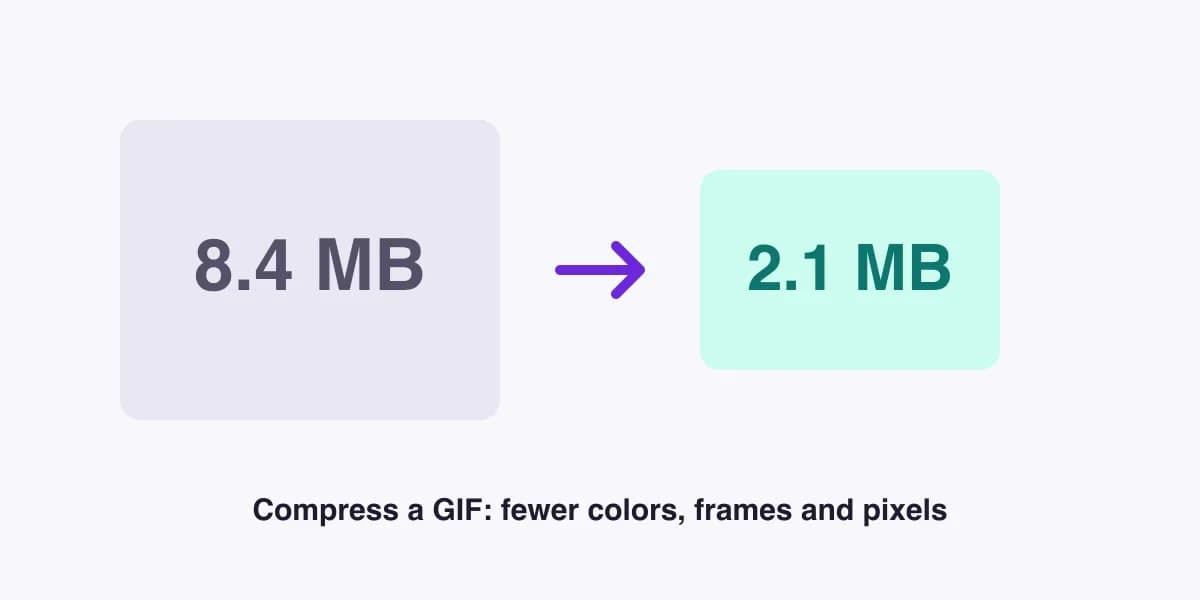
To compress a GIF, you have four levers: fewer colors, fewer changed pixels per frame, fewer pixels overall and fewer frames. This tool uses all four. Unlike many GIF compressors, it never uploads your file: the whole job runs on your device.
How the GIF compressor works
- Frame diffing: pixels that don't change from one frame to the next are stored as transparent, so a mostly static GIF shrinks dramatically.
- Lossy: treats tiny color changes as "unchanged". That removes the noise and dithering that bloat GIFs made from video.
- Colors: reduces the palette from 256 to 128, 64 or fewer. Cartoons and UI recordings barely notice.
- Size and frames: scaling to 75% cuts pixels by almost half; keeping every 2nd frame halves the frame count while keeping the same duration.
Which preset should I use?
| Preset | Settings | Use it for |
|---|---|---|
| Light | 256 colors, lossy 4 | Logos, product demos where quality matters |
| Balanced | 128 colors, lossy 10 | Most GIFs: memes, reactions, screen recordings |
| Strong | 64 colors, lossy 18, 75% size, every 2nd frame | Getting under a hard upload limit |
Common mistakes when compressing GIFs
- Compressing twice. Each pass loses a little quality. Start from the original GIF.
- Keeping a huge canvas. A GIF displayed at 400px but stored at 1200px wastes 9× the pixels. Resize first.
- Using GIF when WebP works. If the platform supports animated WebP, it's often 50–80% smaller at better quality (Pro).
Need a cut-out? Remove the background with our GIF background remover first, then compress the result. Making a GIF from images? Try PNG to GIF.
GIF compression FAQ
How do I compress a GIF?
Drop the GIF into the compressor, choose a preset (Light, Balanced or Strong), click Compress GIF and compare the before and after. Download when you're happy with the size.
How much smaller will my GIF get?
Typical savings are 30–60% with Balanced and up to 80% with Strong, depending on the GIF. Screen recordings and cartoons shrink the most; GIFs that were already optimized shrink less.
Does compressing a GIF reduce quality?
A little, and you control it. Fewer colors and higher lossy values save the most but can add banding or speckle. Light keeps quality nearly identical.
What is the Discord, Slack or email GIF size limit?
Limits change, but as a rule of thumb keep GIFs under about 10 MB for chat apps and under 1 MB for email signatures and newsletters. Resize to 50–75% and drop every second frame if you're far over.
Will transparency survive compression?
Yes. Transparent GIFs stay transparent. Frame diffing is only used on opaque GIFs, where it gives the biggest savings.
Is there a file size limit?
The free compressor takes GIFs up to 10 MB and 100 frames, output up to 800px. Pro handles up to 100 MB and can convert to animated WebP, which is often far smaller.