Free Transparent GIFs
16 original animated GIFs: 8 transparent versions plus the flat-background originals they were cut from. Free under CC BY 4.0 for personal and commercial use, including test suites.
Sample GIF by GifEraser (https://giferaser.com/free-transparent-gifs), CC BY 4.0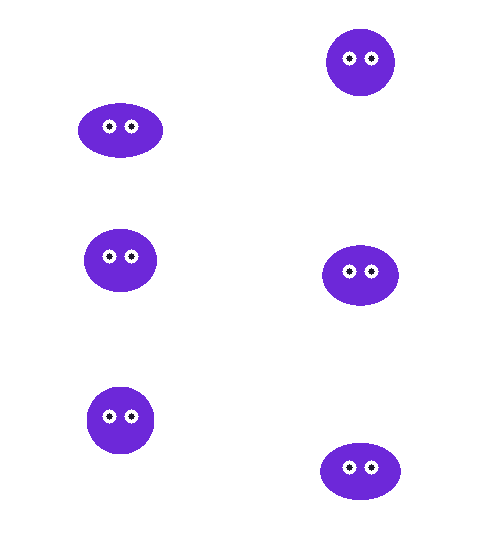
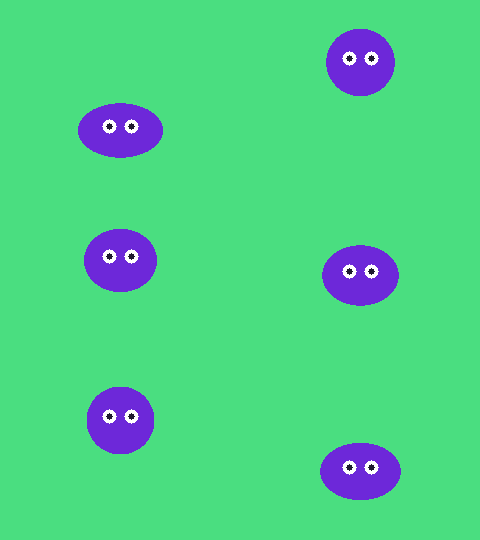
Bouncing blob
240×180 · 24 frames · original on green screen #4ADE80
Squash-and-stretch character for sticker and halo tests

Checkmark success
160×160 · 20 frames · original on teal #14B8A6
Success state for forms and onboarding
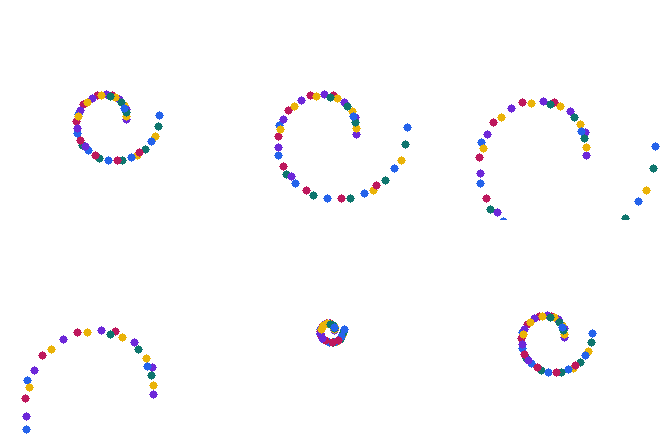
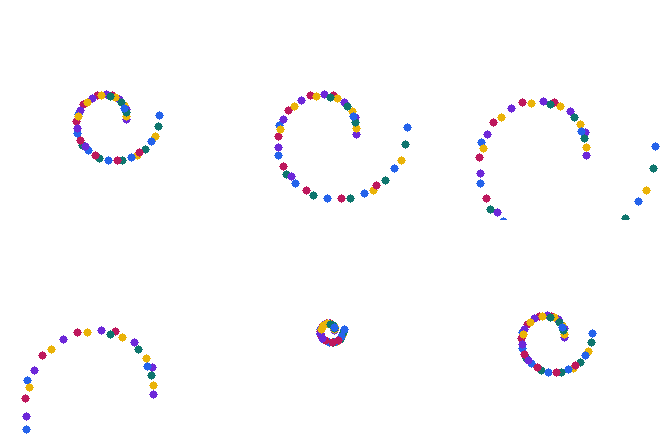
Confetti burst
220×220 · 20 frames · original on white #FFFFFF
Celebration overlay; many small particles test speckle handling

Loading spinner
160×160 · 20 frames · original on white #FFFFFF
Loader that sits on any background color

Pixel heart
160×160 · 16 frames · original on blue #60A5FA
Pixel art: hard edges, no anti-aliasing

Spinning coin
160×160 · 24 frames · original on purple #4C1D95
Game and reward UI; dark background removal

Spinning star
180×180 · 24 frames · original on black #000000
Black background removal; rotating sharp points

Typing dots
200×100 · 18 frames · original on light gray #E5E7EB
Chat typing indicator; low-contrast background






Last updated · Written and tested by The GifEraser team, who build and maintain this tool.
What these GIFs are for
- Testing GIF transparency in apps, chat clients, email templates and CMSs. Preview each file on white, black and your brand color: that is where halos and missing transparency show up.
- Testing background removers. The originals cover green screen, white, light gray, black, blue, teal and purple backgrounds, with pixel art, particles, thin strokes and white areas inside the subject.
- Ready-made UI animations such as a loader, typing indicator, success check and confetti, which you can use in prototypes and products.
How they were made
Every animation is drawn procedurally (no stock footage), exported as a GIF on a flat background, then cut out with the same color key our GIF background remover uses: border color detection, an edge flood fill so white areas inside the subject survive, and re-encoding with a transparent palette index and disposal method 2 so moving frames never leave trails. The open-source command-line version and the files are also available as a GitHub repository (link coming soon).
Technical details
| Property | Value |
|---|---|
| Format | GIF89a, looping forever |
| Transparency | 1-bit (palette index 0), disposal 2 on every frame |
| Frames | 16-24 per file, 50-70 ms per frame |
| Size | 100-240 px, 8-18 KB each |
| License | CC BY 4.0 (credit GifEraser) |
Have your own GIF with a background? Remove the background in your browser, compress it, or build one from frames with PNG to GIF.
Free transparent GIFs: FAQ
Can I use these transparent GIFs commercially?
Yes. They are licensed CC BY 4.0, so you can use, modify and redistribute them, including in commercial products, as long as you credit GifEraser.
How do I credit the GIFs?
Use a line such as: "Sample GIF by GifEraser (https://giferaser.com/free-transparent-gifs), CC BY 4.0". In software, a mention in your credits, README or licenses file is fine.
Why do transparent GIFs sometimes show a white or black edge?
GIF transparency is on/off per pixel, so anti-aliased edges keep a trace of the original background. These samples are mostly hard-edged on purpose, which makes them reliable test files.
Can I hotlink the files?
Please download and host them yourself for production use. Hotlinking is fine for quick tests.